

 By Nathan Hawes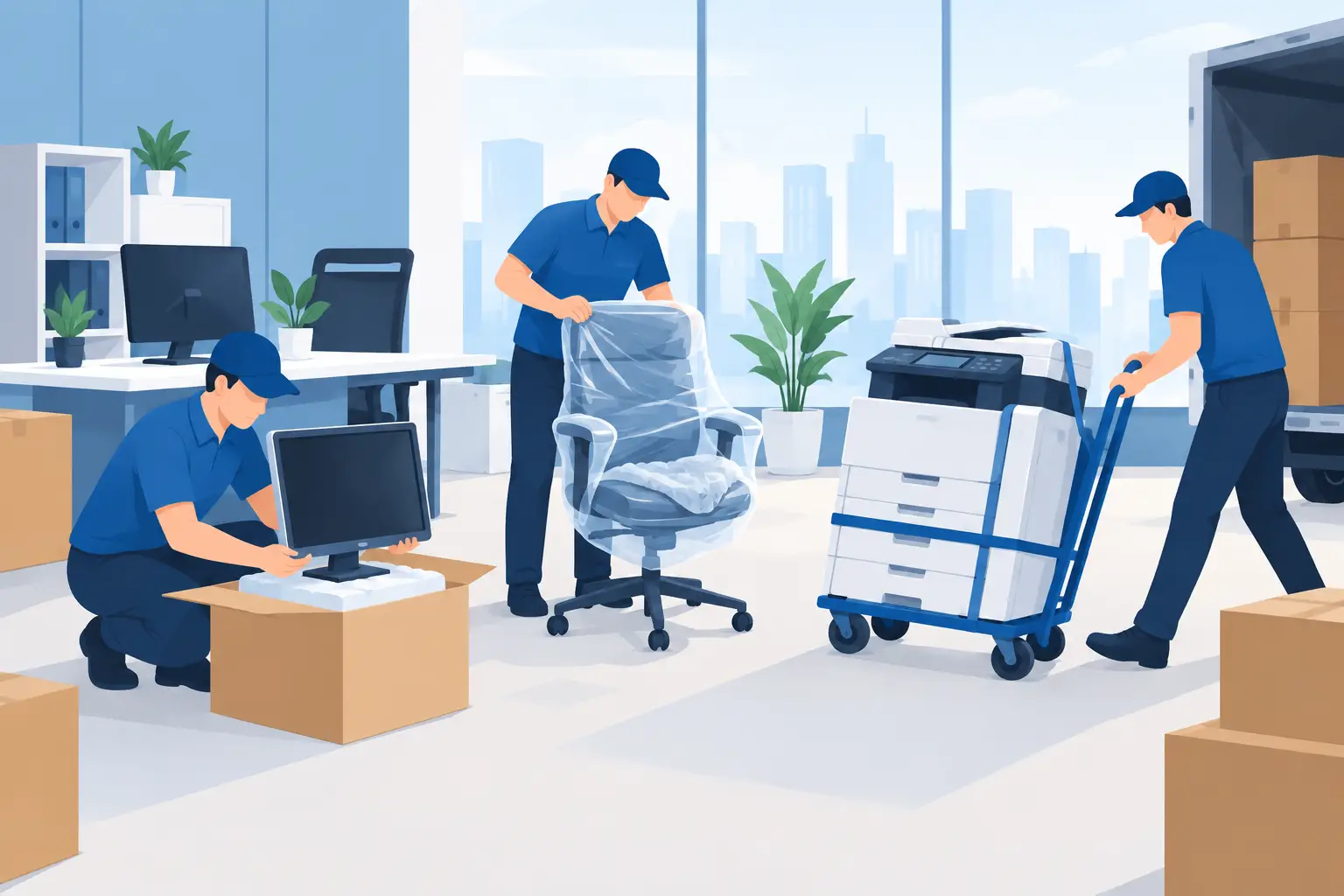
A Monday morning office move can go wrong before the first desk reaches the truck. One unlabelled monitor, a server switched off in the wrong order, or a filing cabinet loaded full can turn a planned relocation into days of lost work. Knowing how to relocate office equipment properly keeps your people productive, protects valuable gear and makes the first day at the new premises far less stressful.
For small and medium businesses across Traralgon, Gippsland and wider Victoria, the best approach is practical: plan the move around your business operations, prepare equipment in the right order, and use experienced help for heavy, fragile or specialised items.
Start with a move plan, not packing boxes
Office equipment is not all the same. A few laptops and a printer can be packed quickly. A workplace with workstations, filing systems, network gear, commercial printers, stock, reception furniture and staff working through the move needs more thought.
Start by choosing a move date and deciding how much downtime the business can handle. Some offices can pack on Friday afternoon and reopen Monday. Others need a staged move over evenings or weekends so phones, customer records and IT systems remain available. There is no single right option. It depends on the size of your team, the type of work you do and whether staff can work remotely for a short period.
Walk through both sites before moving day. Check loading access, stairs, lifts, door widths, parking restrictions, footpath access and where the truck can safely pull up. In regional areas, access may be simple, but a long driveway, uneven ground or tight rear entry can still slow the job down. In Melbourne-connected moves, loading zones and building booking times can be just as important as the packing itself.
Make a room-by-room inventory as you go. It does not need to be fancy, but it should record what is moving, where it belongs at the new office and whether it needs special handling. This is also the right time to set aside broken chairs, outdated electronics, surplus files and anything that should be sold, recycled or disposed of rather than transported.
How to relocate office equipment in the right order
The easiest way to lose time is to disconnect everything at once and hope it goes back together later. Instead, relocate equipment in a controlled sequence, beginning with the systems your business relies on most.
Protect data and prepare the IT setup
Back up business data before anything is unplugged. This applies to computers, servers, external drives, point-of-sale equipment and any device holding important files. A physical move is usually safe when handled well, but a current backup is basic protection against accidental damage, loss or an unexpected technical issue.
Your IT provider should advise on server shutdown, network hardware, internet transfer and reconnection. If you do not have dedicated IT support, nominate one staff member who understands the setup and can photograph cable connections before disassembly. Photos save a lot of guesswork when screens, docks, routers and power boards are being reconnected in a new layout.
Label each device and its cables with the same clear code. For example, “Accounts 1” can be marked on the computer, monitor, keyboard, dock and cable bag. Avoid labels such as “desk near window” because the new office may not have the same layout. A simple numbered floor plan works better.
Pack computers, monitors and small electronics carefully
Where original cartons are available, use them. If not, each monitor, desktop tower and other fragile device should be individually wrapped with proper protective materials and packed upright where possible. Screens are particularly vulnerable to pressure and knocks, so they should never be stacked flat under heavier boxes.
Place cables, adaptors, remotes and small accessories in labelled bags or sturdy cartons. Keep each bag with its matching workstation or clearly record its destination. Loose cables tossed into a general box are one of the most common causes of a frustrating first day in the new office.
Laptops, mobiles, tablets, keys, sensitive documents and high-value portable items are often best transported by a nominated manager or staff member. That gives the business a direct chain of custody for items containing confidential information.
Empty and secure larger office items
Printers, photocopiers and multifunction machines need more than a blanket around the outside. Remove paper trays if required, secure moving parts and follow the manufacturer’s transport instructions. Some larger machines need a technician to prepare them, particularly if they have delicate internal components or toner systems.
Filing cabinets should usually be emptied before moving. A full cabinet is heavier than it looks, can become unstable and may damage its runners. Pack files in labelled archive boxes so they can go back in order at the other end. For confidential records, use sealed cartons and keep a record of who is responsible for them.
Desks, shelving and workstations may need dismantling to fit through doorways or make truck loading safer. Keep bolts, brackets and assembly hardware in labelled bags taped securely to the relevant item or placed in one controlled hardware box. Do not rely on memory after a long moving day.
Pack for safe lifting and efficient unloading
Good packing protects equipment, but it also protects the people handling it. Use strong cartons, avoid overfilling boxes and keep weights manageable. Heavy books, files and paper should go into smaller boxes. Light but bulky items can use larger cartons.
Clearly mark every carton with its destination room, contents and handling needs. “Meeting room – cables” is useful. “Fragile – monitor arms – do not stack” is better. At the new office, labels let movers unload straight into the right area instead of filling the reception or hallway with mixed boxes.
For valuable furniture, screens, glass tops and specialist items, use moving blankets, shrink wrap and corner protection. Office furniture can look tough, but chipped laminate, torn upholstery and cracked glass are expensive and annoying to replace. Careful wrapping is quicker than arranging repairs later.
Book the right people and equipment
A business move is not simply a bigger house move. The removal team needs enough vehicle space, protective materials, trolleys and manpower for the job. For heavy safes, large printers, compactus units, pool tables or other unusual items, let the removalist know during the quote stage. These pieces can require extra planning, specialised lifting gear or additional crew.
Be clear about access at both properties, the floor level, lift availability and any time restrictions. If a building manager requires a lift booking or proof of insurance, arrange it before the truck arrives. A crew waiting outside for access is wasted time that can often be avoided with one phone call.
Hawes’s Removals can help businesses plan commercial relocations across Gippsland and Victoria, with practical packing, protective handling, loading and placement at the new site. Clear information before the move allows the right crew and equipment to be allocated from the start.
Set up the new office before the truck arrives
The new premises should be ready for equipment, not still being painted, cleaned or waiting on keys. Confirm power is connected, internet installation is booked and essential access cards or alarm codes are available. If desks are going into a new layout, place a numbered floor plan at reception and in each room.
Decide what must be operational first. For many businesses, that means internet equipment, phones, reception, payment terminals and the workstations of key staff. Lunchroom items, decorative pieces and low-priority storage can wait until the core operation is running.
Assign one person to direct the unload and another to check items against the inventory. They do not need to carry furniture or unpack every carton. Their job is to answer questions quickly, point the crew to the correct rooms and make sure no critical equipment is left behind.
Avoid the mistakes that cause downtime
Most office moving problems come from rushed decisions rather than the distance between premises. Do not leave labelling until moving morning. Do not move network equipment without a shutdown plan. Do not assume a large printer will fit through every doorway. And do not fill filing cabinets or desk drawers with heavy contents because it seems quicker.
It is also worth telling staff exactly what they need to do before the move. Give them a deadline to clear personal items, save files, label their workstation and take home anything they are responsible for. A short, clear instruction sheet is better than chasing people on the day.
Once the new office is unpacked, test essential systems before everyone returns to normal work. Check internet access, phones, printers, alarms, workstations and shared drives. Deal with missing cables or layout issues while the move is still fresh, rather than discovering them during a busy customer call.
A well-run office relocation is less about rushing and more about keeping control of the small details. Label what matters, protect what is fragile, plan for access and give your team a clear first-day setup. That is how a new office starts feeling like a workplace, not a warehouse full of boxes.